
See the whole progress
Every department is a room in one factory. Badges show what is done, what is busy and what is waiting for you, with XP for each finished step.
Nine specialized workers — one per task, you approve the big steps. Start in a calm, guided workspace that walks you through everything, or switch to full manual control whenever you want.
Every step of your business is visible in one factory. Switch to first-person, walk the floor and hand work to your team. Storemill guides you to the next objective, and the longer you play, the more businesses you build.
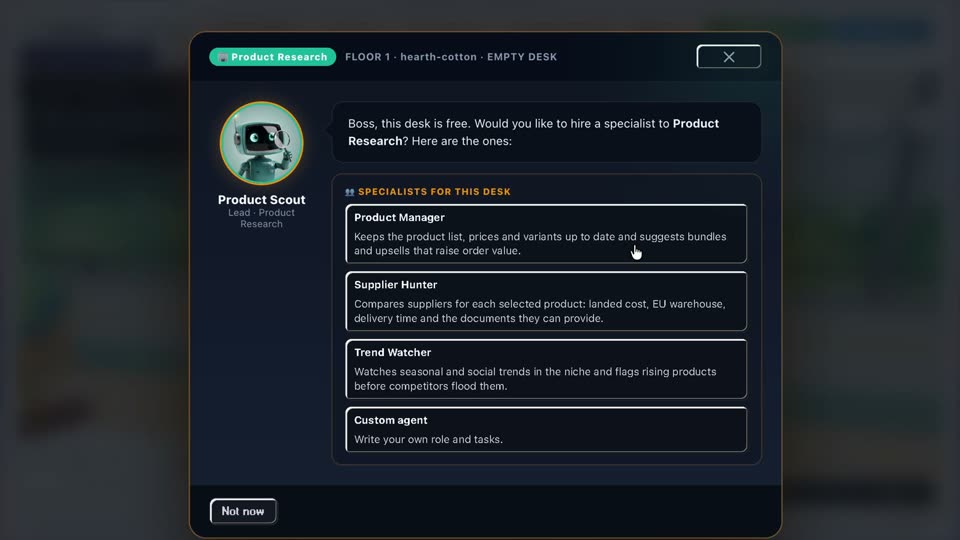
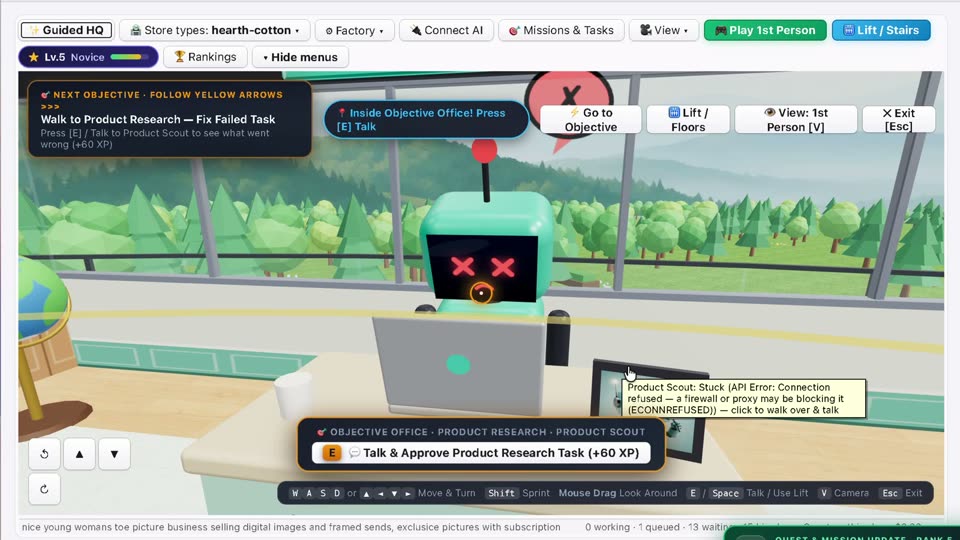
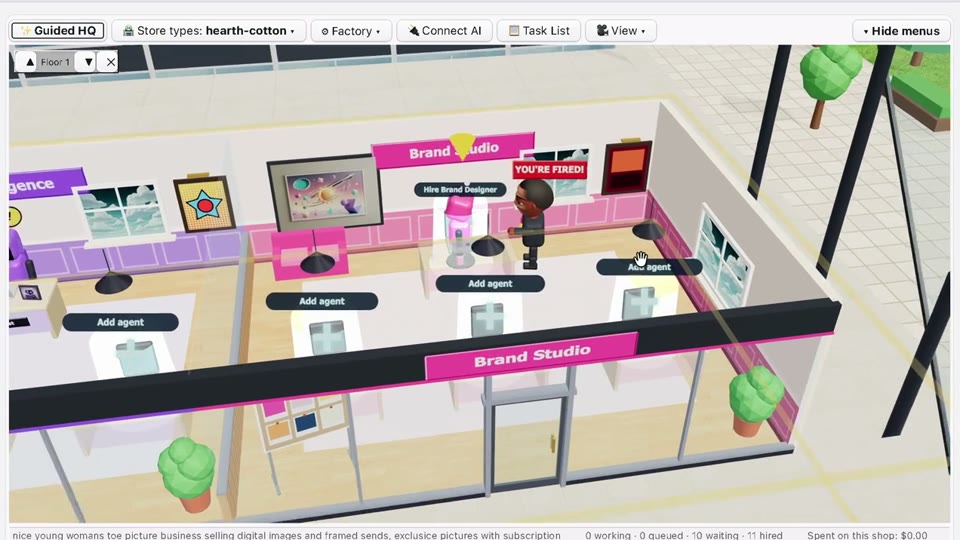
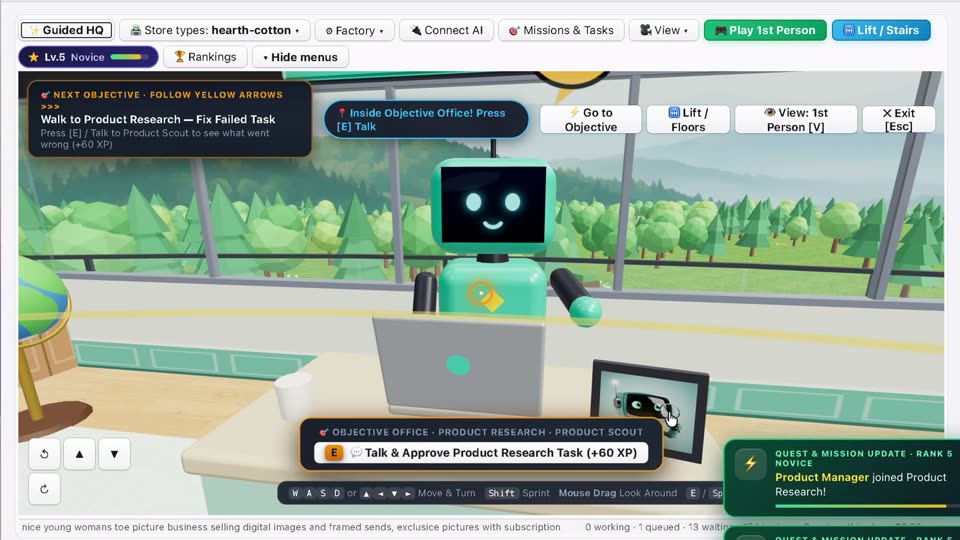
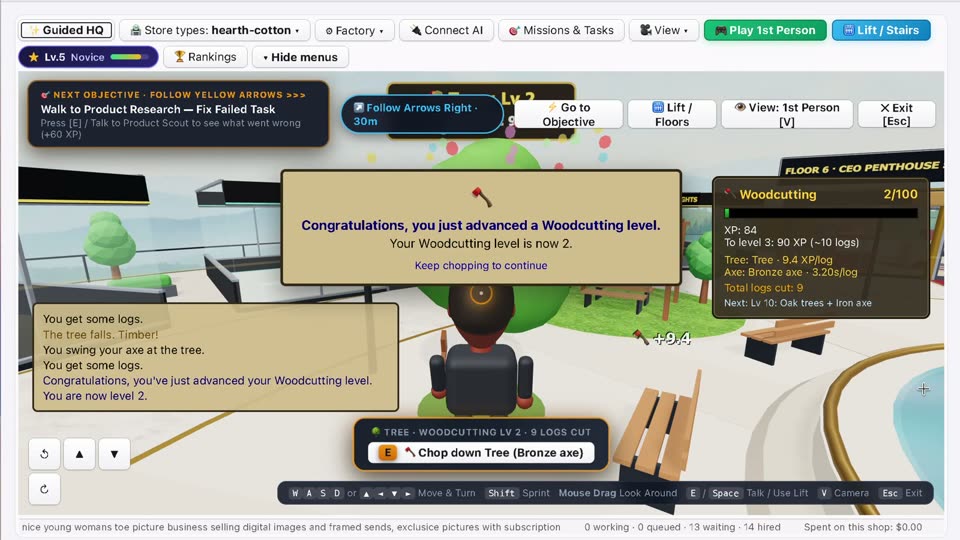
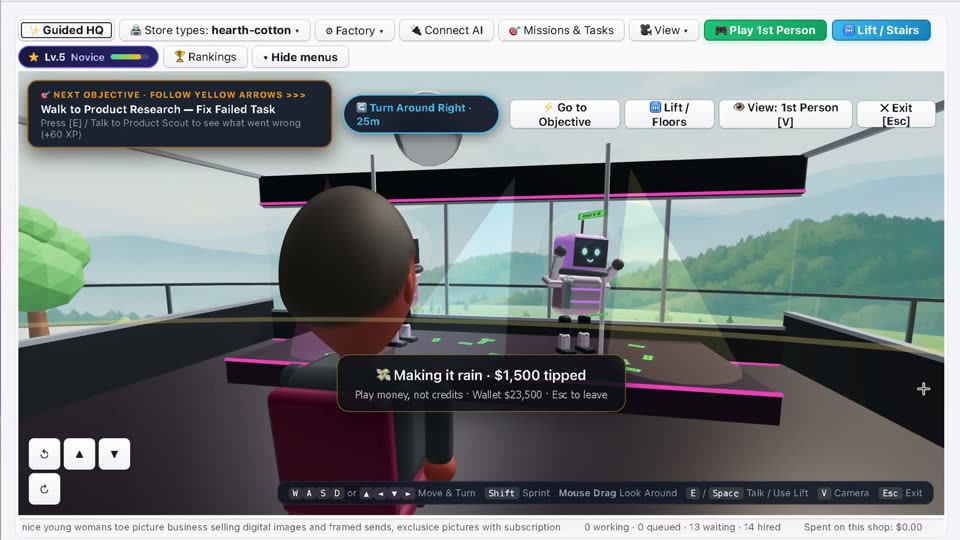
Every department is a room in one factory. Badges show what is done, what is busy and what is waiting for you, with XP for each finished step.
Play 1st Person and walk up to a department's person. Press E to talk, review the work and approve the big steps.
Stand next to a team lead and press E to pass the work on and jump to the next objective. It only works up close, so you still walk the floor.
Launching an online business usually means juggling ten overwhelming dashboards. Storemill 95 brings your entire operation into one clean macOS window — with nine friendly specialists ready for your cue, plus extra hires you can add any time.
9 workers · one per task · you approve the big steps
Product Research
Ad Intelligence
Brand Studio
Card Design
Shop Engineering
Creative Studio
Social Media
Compliance
Analytics
E-commerce automation shouldn't feel like piloting a spaceship. Start in the unified guided hub, and open individual specialist labs only when you want to fine-tune.
Set up your store in one calm window. Pick a product idea (or let Product Scout find a high-margin winner), connect your keys once, and follow the clear step-by-step quest list.
Each worker completes its task and presents the result cleanly — winning product, brand identity, live Shopify theme, ad video, or social post — so nothing goes live without your sign-off.
Want deep control? Switch to Manual Workspace at any time to edit prompts, tweak creatives, or inspect the 3D office. Prefer nostalgia? Switch from default macOS to classic Windows 95 in the Control Panel.
Download Storemill 95 Factory HQ for free on your Mac or PC today — and stay tuned for Factory Web to manage your entire business right in your browser.
The complete Storemill 95 Factory HQ on your computer. Includes all 9 AI workers, the new guided macOS workspace, full manual tools, and classic theme switcher in Control Panel.
Tip: On macOS, open the downloaded .dmg and drag Storemill 95 to Applications. If macOS asks on first launch, right-click the app and choose Open.
Seamless business handling in your browser. Run your AI team 24/7 in the cloud with zero local setup, automatic store syncing, and instant access from any device.